Computer Maintenance & Cleaning
Starting from 50 AZN
Computer Maintenance, Cleaning and Diagnostics Desktop & Laptop Cleaning · Thermal Paste Replacement · Hardware Diagnostics · Baku, Azerbaijan Professional Preventive...

📞 WhatsApp: +994 10 2288787
✉️ Email: support@realtech.az




Products
Starting from 50 AZN
Computer Maintenance, Cleaning and Diagnostics Desktop & Laptop Cleaning · Thermal Paste Replacement · Hardware Diagnostics · Baku, Azerbaijan Professional Preventive...
Desktop & Laptop Cleaning · Thermal Paste Replacement · Hardware Diagnostics · Baku, Azerbaijan
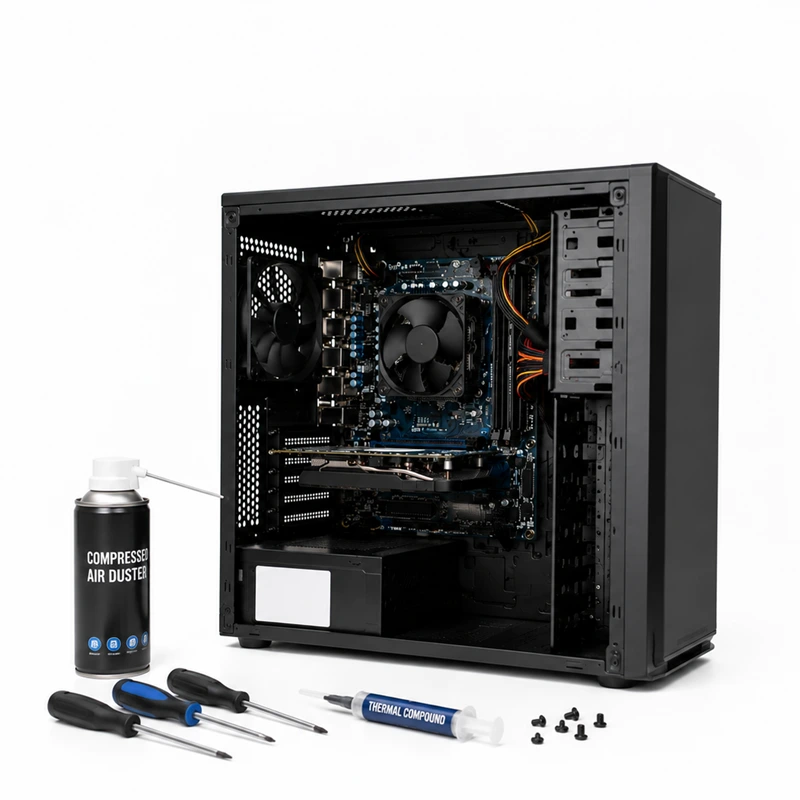
Our computer maintenance service in Baku helps prevent overheating, performance degradation, unexpected shutdowns and premature hardware failure. The service includes professional internal cleaning, cooling system maintenance, thermal paste replacement, visual inspection and comprehensive hardware diagnostics.
Preventive maintenance is available for desktop computers, gaming PCs, office workstations, all-in-one computers and laptops. Each device is inspected and serviced according to its design, cooling system and operating condition.
In addition to physical cleaning and cooling system maintenance, the technician can inspect the computer for common hardware and operating problems that may affect reliability, temperature and performance.
The computer becomes unusually hot, the processor temperature is high or the cooling system operates continuously.
Fans operate at high speed, make unusual noises or struggle to maintain normal operating temperatures.
The computer becomes slow during normal use, gaming, professional applications or resource-intensive workloads.
The computer restarts, freezes or shuts down under load because of overheating or another hardware-related problem.